
Waapitools

Waapitools is a set of tools aiming to provide a user-friendly interface to automate various tasks on a Wwise project. It is a javascript based web application that communicates with the Wwise Authoring Tool through the Wwise Authoring API (WAAPI).
It’s free to download from Github and can then be accessed locally, but it’s also available on https://waapitools.org for direct use.
Creator
The Creator helps with the batch creation of children to the currently selected object, from an object type, a list of names and a common prefix.
Nester
The Nester can ‘nest’ selected objects in new parents of your chosen type. The new parents will be named after their children.
A typical use case would be to create random containers from a list of freshly imported sounds, each set of similarly named sounds getting their own parent.
Sampler Keymapper
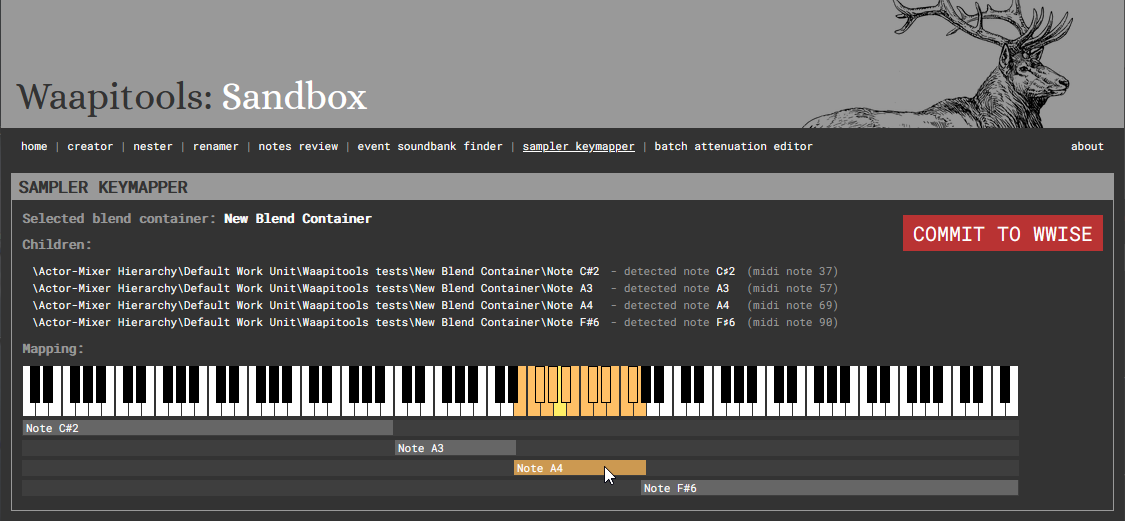
The Sampler Keymapper automatically sets MIDI root key and key range parameters on children of a blend container if their names contain a note name (eg MyPianoSample_C#3 is mapped to MIDI root key 49 and its range is set based on neighbouring samples root notes).
Renamer
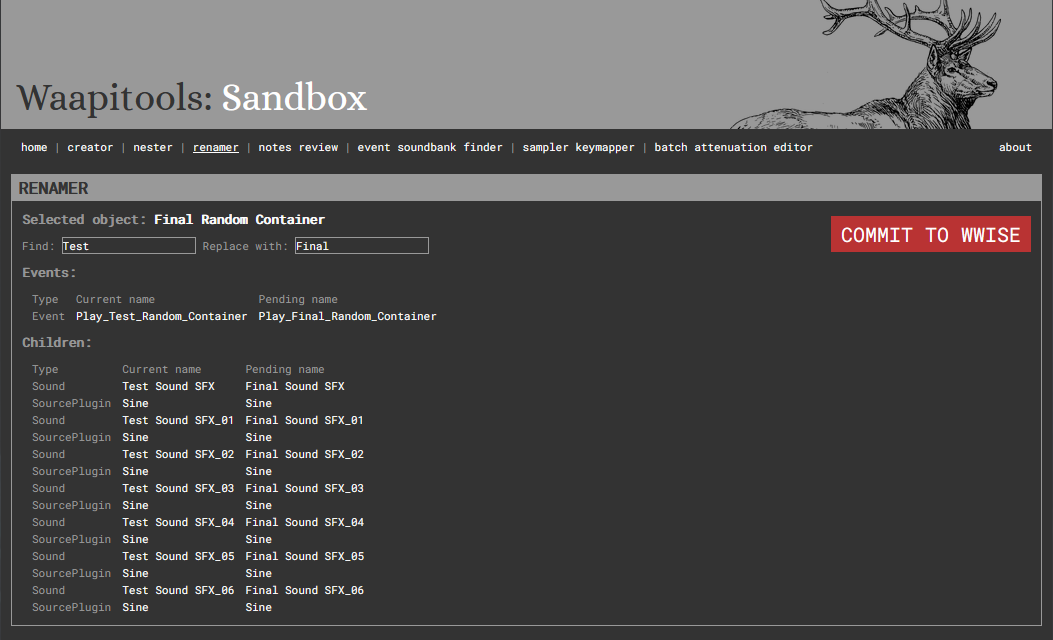
The Renamer allows for easy search/replace in names of objects in the Actor-Mixer Hierarchy. In addition to the selected Actor-Mixer hierarchy object, it will apply the same renaming to:
- all its children
- all the events referencing it
Event Soundbank finder
This tool is used to find out in which soundbank(s) a wwise event is included, upon selection of the event in the Wwise Authoring Tool, regardless of whether the event is directly included in a bank or through the inclusion of one of its parent folders or WWU. This is designed to work around the issue of Wwise’s Reference View ignoring indirect references (a soundbank appears in an event’s references only if the event is directly included in the bank).
Batch Attenuations Editor
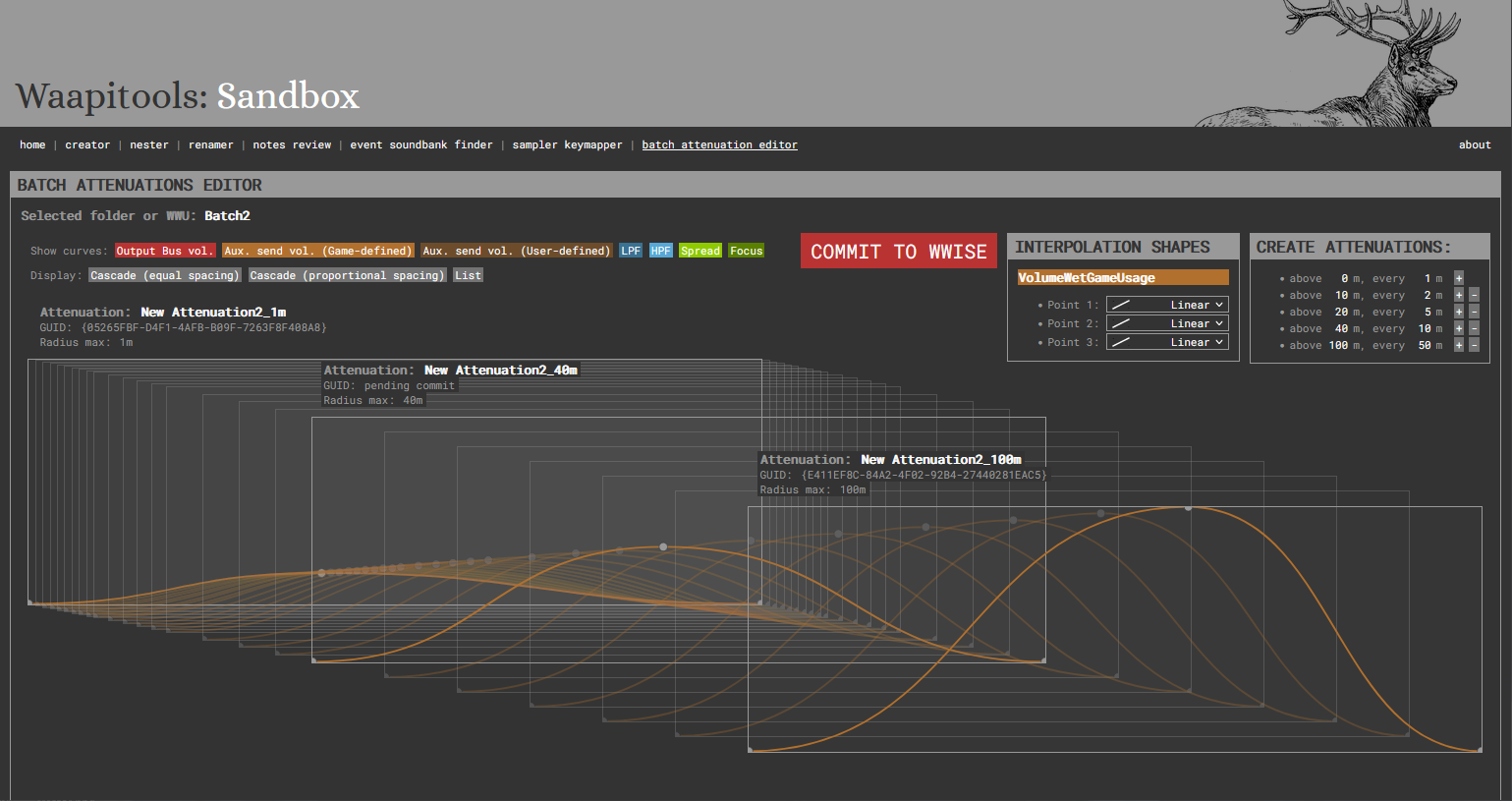
The Batch Attenuations Editor is designed to help with the creation and update of large attenuation sets, by interpolating attenuation curves between a short (eg 1m) and a long (eg 100m) attenuation.
Notes Review
Notes Review provides a comprehensive display of all notes in the Wwise project. It’s brutally stupid and will freeze on huge projects.
Utils
The Utils tool provides utilities for navigating and inspecting Wwise objects, displaying their paths and GUIDs with easy copy-to-clipboard functionality. This makes it easy to share Wwise paths between audio team members.


